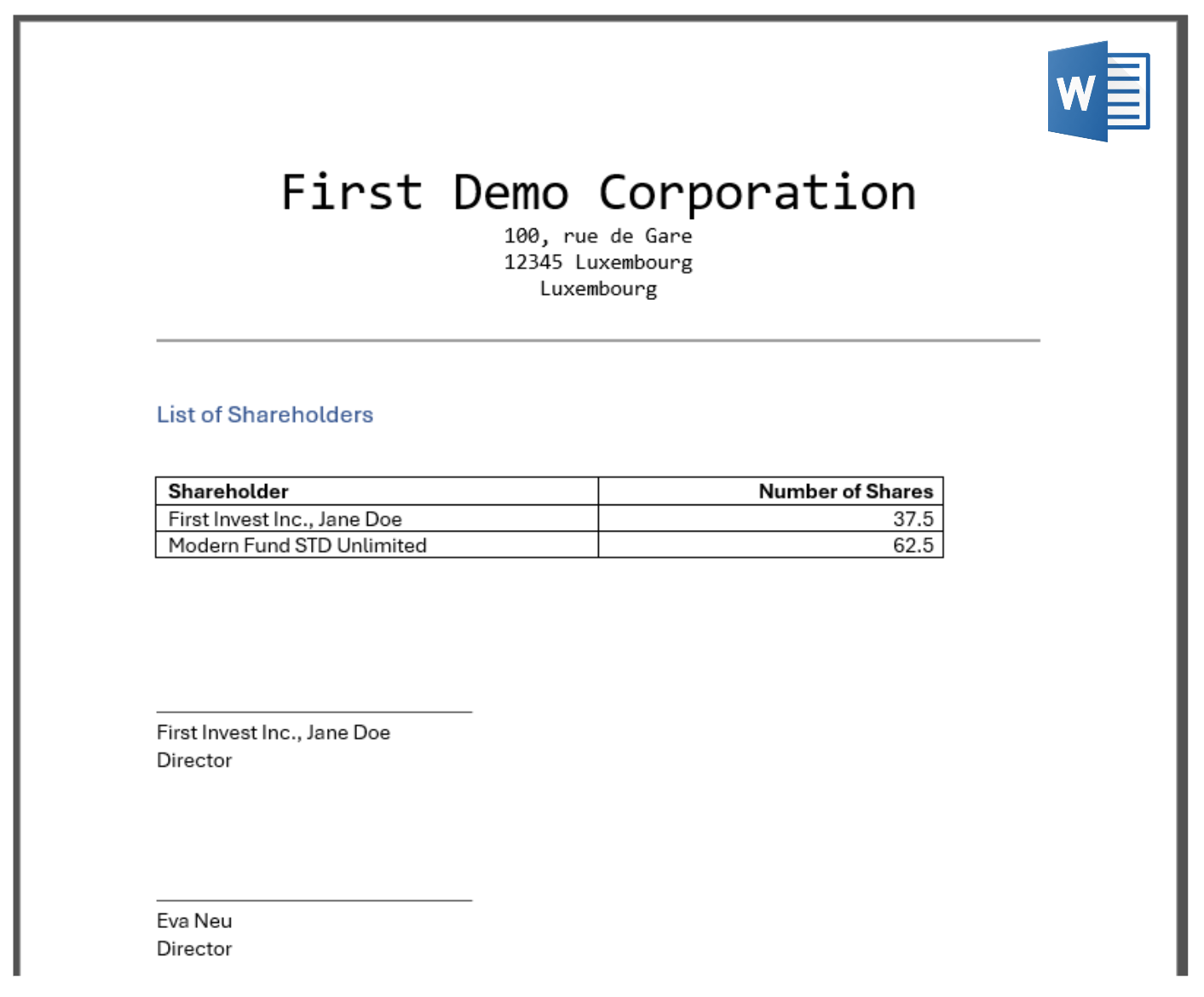
Working with Document Templates
What are Document Templates?
Document templates serve as the foundation for generating customized documents. Essentially, a template is a Microsoft Word file containing placeholders that allow data from Newton to be seamlessly integrated into the text. The output is a fully formatted MS Word document.
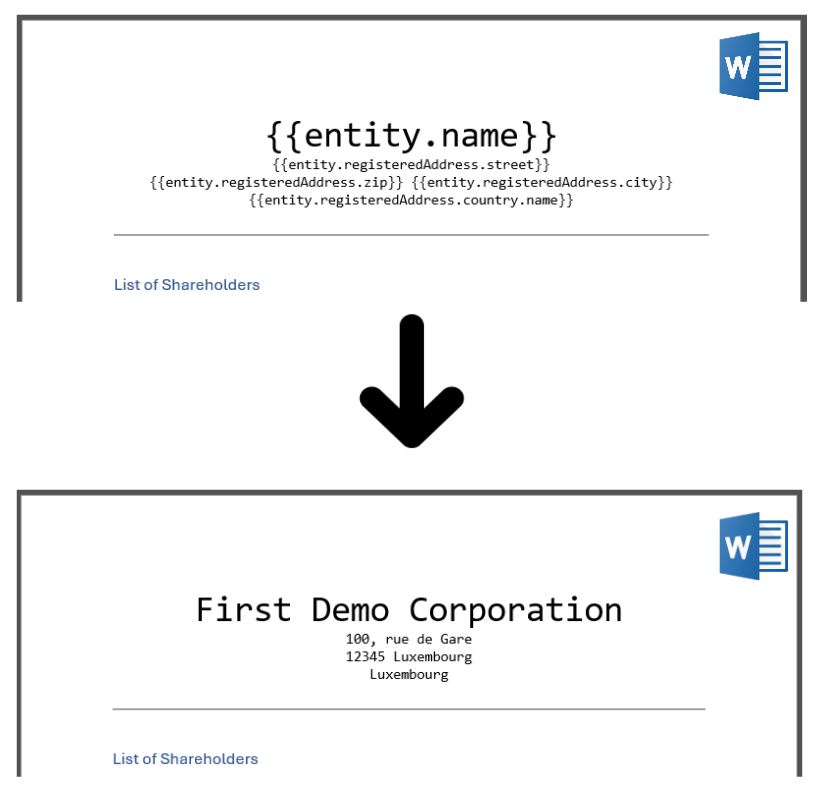
How to create a Document Template?
Let’s assume we want to create a template that contains a list of shareholders of the actual entity, to be signed by the actual director(s).
-
Start with a new Word Document. You can use a blank one or from a (Word) template including company logos, etc.
-
Enter all the text you want to see in the document. Wherever you want to see data from NEWTON, you can use a variable. The format is:
{{variable_name}}You can also use loops for lists and other formatting. Newton uses the Jinja syntax.
A complete documentation can be found .The list of variable names provided by Newton is documented Variables available for Entity Document Templates.
-
Now, save the file and upload it to Newton under
Tools/Document Templates. That's it.
You can download this sample template here:
How to generate a Document from a Template?
You can generate a document wherever you find the document upload dialog. For example, on the Entity’s Documents tab.
Step-by-step
The result (using the template above) would look like this: