Contacts (Stakeholders)
General
Within contacts, Newton distinguishes between individuals and organisations.
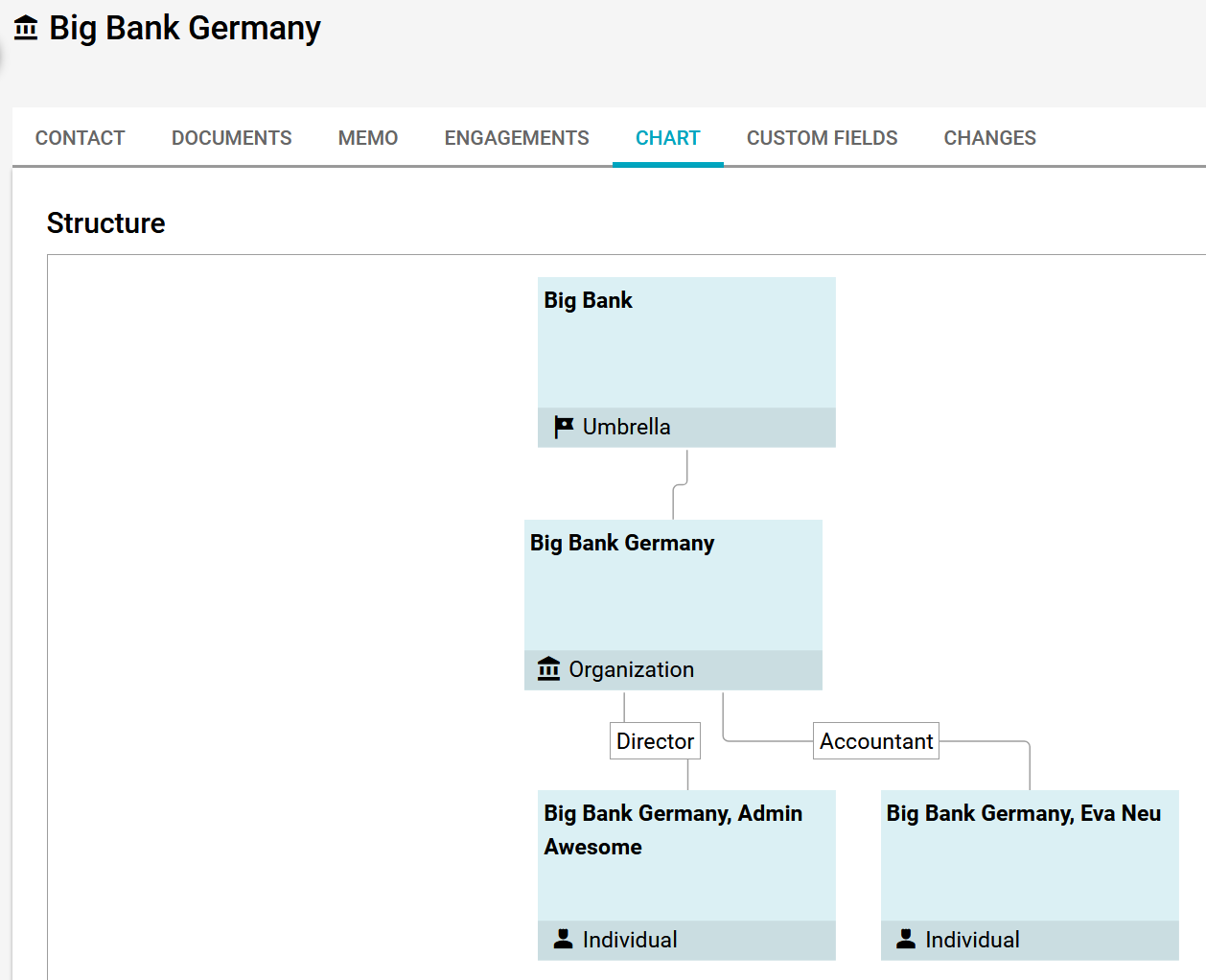
Both can be linked together, such as a Bank with several individuals serving as contacts for your company. When linking an individual to an organisation, you can assign them a position.
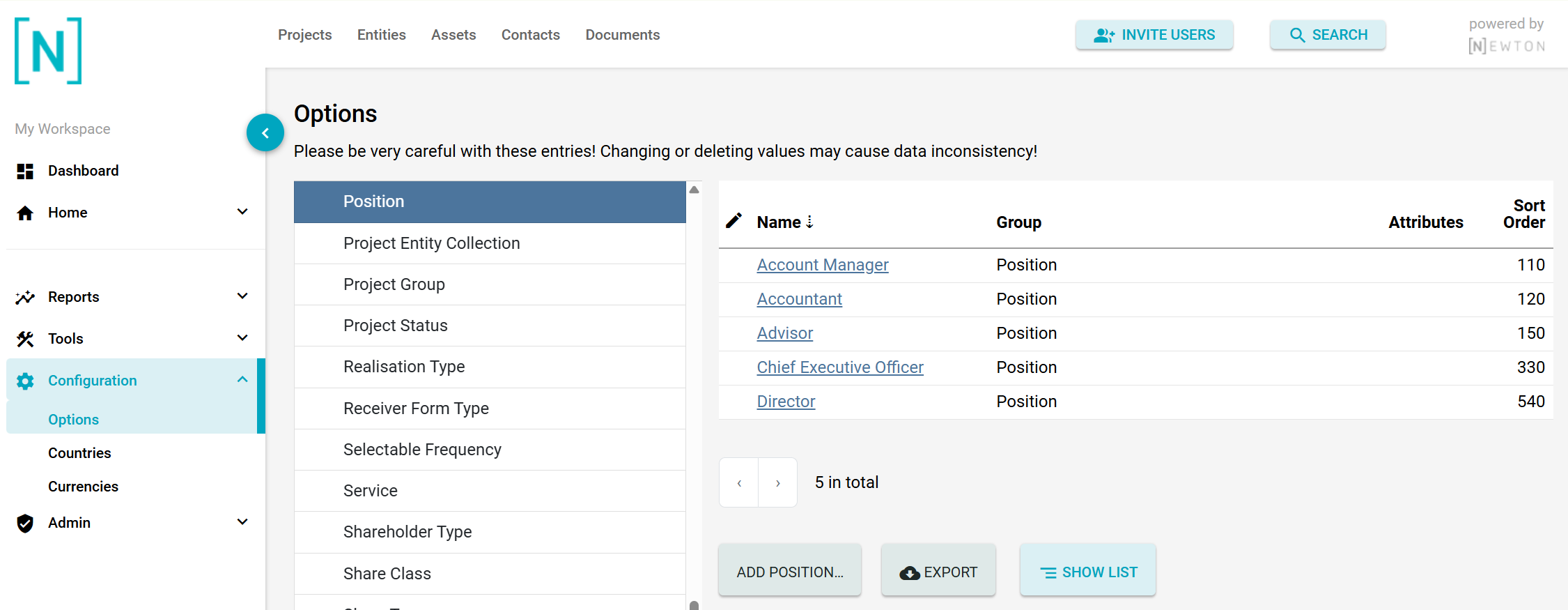
These positions can be added and modified in the Options section.
Adding a contact - Step by step
Good to know
Newton's capabilities are significantly enhanced through the ability to assign Roles, Groups, and Rights to individual contacts.
Check Rights Management to gain the advantage of efficiently managing multiple contacts with similar characteristics simultaneously.
Umbrellas
General
In Newton, an Umbrella is a special contact, usually an organisation contact. This contact must be included in the "Umbrella" contact group.
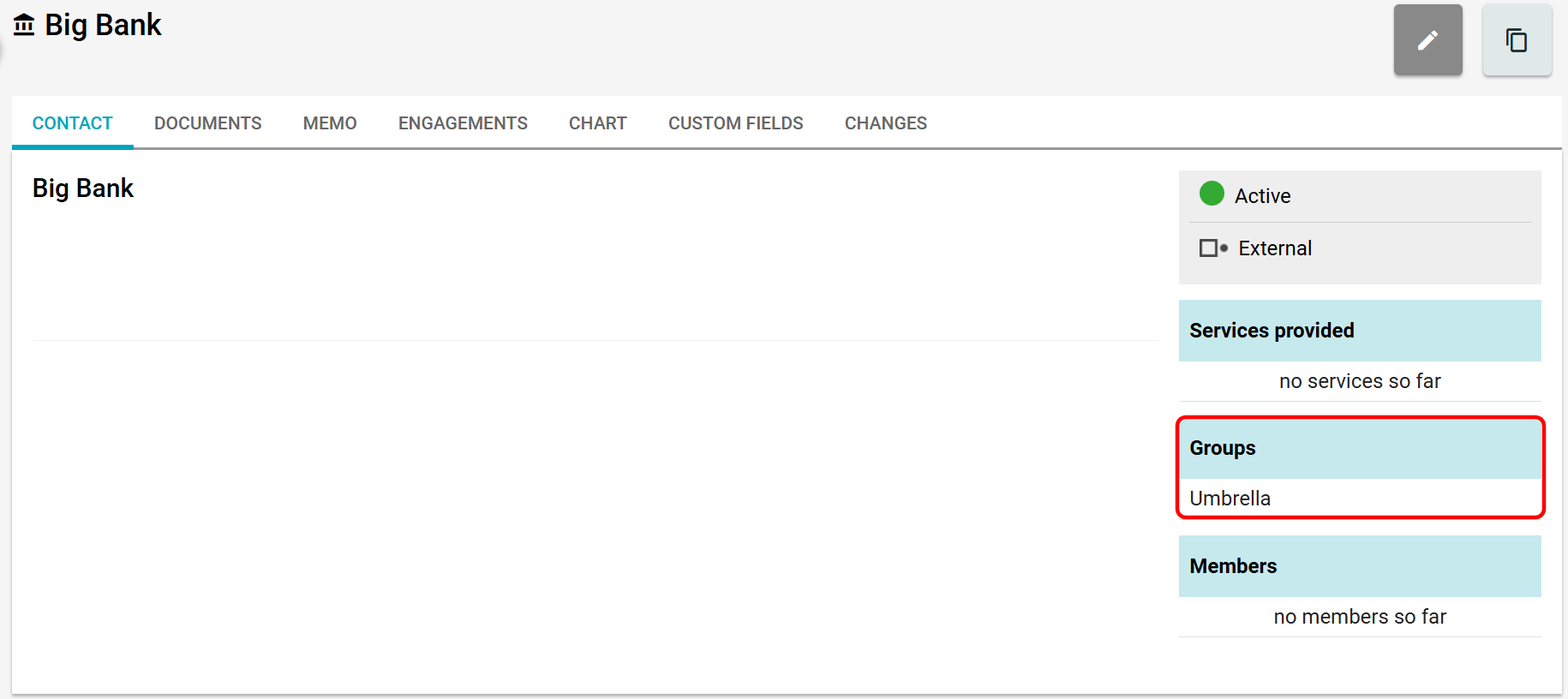
You can then connect a regular organization contact with that umbrella (or with multiple umbrellas).
From then on, for any organisation contact or individual contact within that organisation, the system will automatically derive the umbrella. And if you change it, add another one, or remove one from the organisation contact, this change will be reflected in all individual contacts connected to that organisation.
Linking contacts
After creating a contact, you can link it in a subsequent step with this Umbrella by selecting a parent organisation by clicking on the link button.
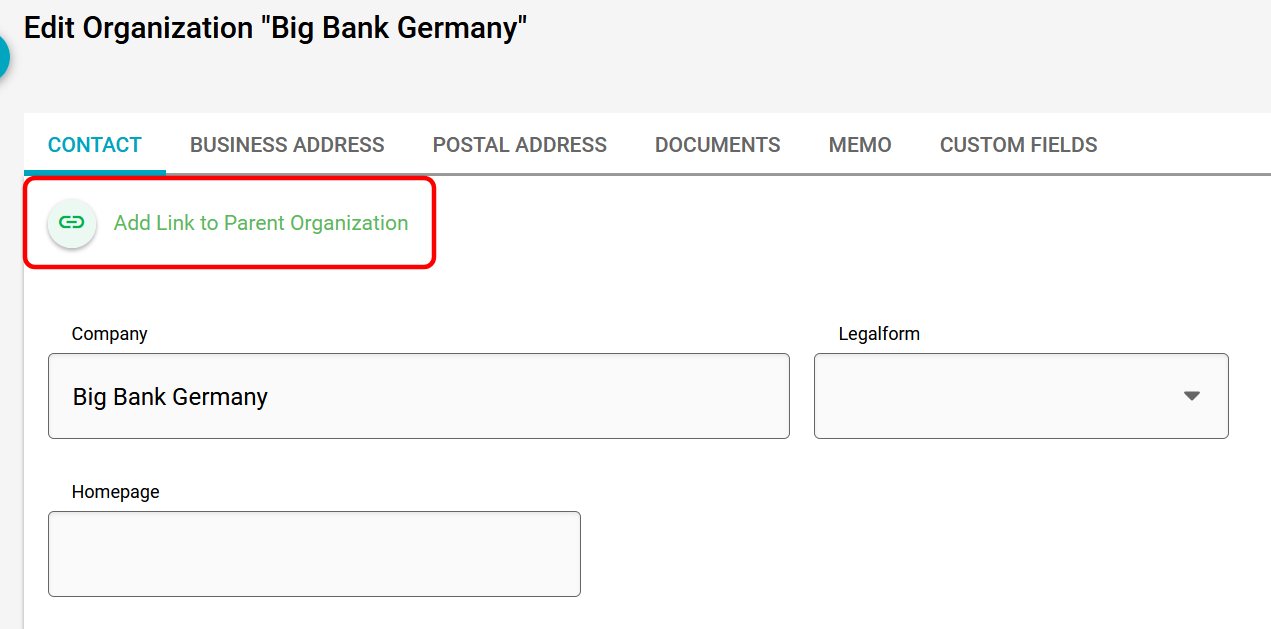
After submitting, this connection is visible in the contact.
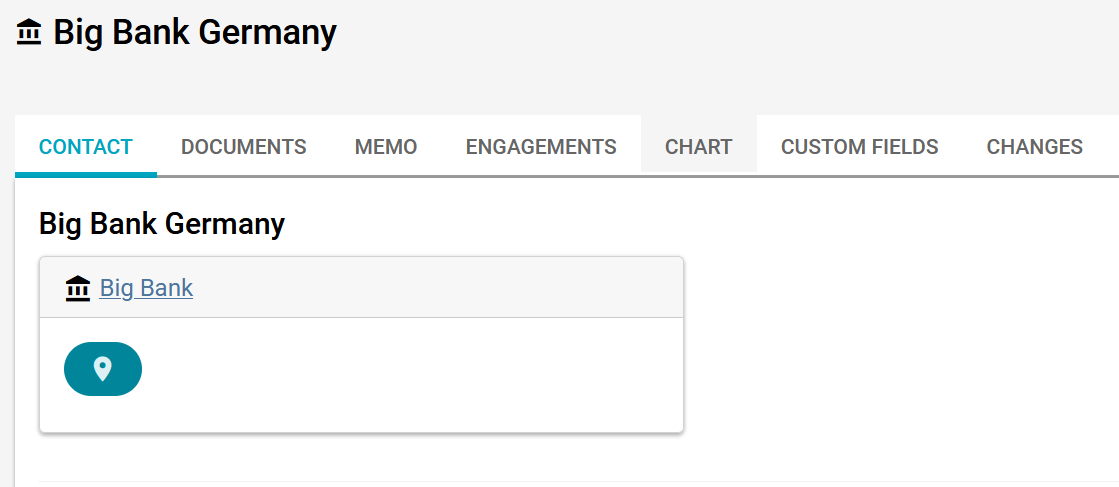
And all connections in the chart tab.