
Set up Compliance Reminder
Basics
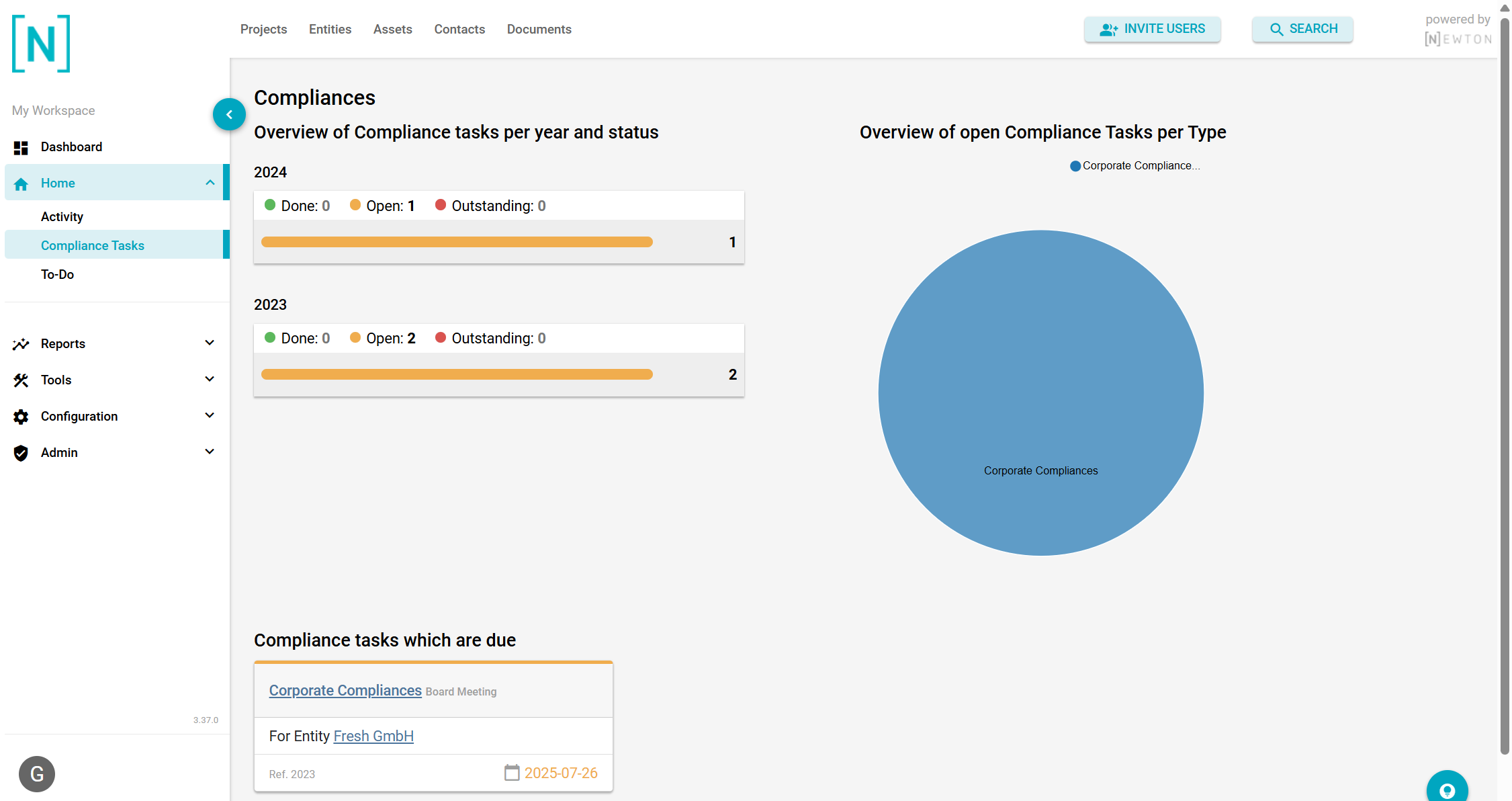
If you set up a compliance with a due date, the Corporate Officer assigned to the compliance gets a notification 3 days in advance. Those notifications can be viewed following the left-hand navigation under Home > Compliance Tasks.
In the overview, you can find Compliance Tasks sorted by year and status, by type, or by those that are due.
To change the value for the notification, please follow the step-by-step tutorial or check in the left-hand navigation under Configuration > Options within the option group ‘General Settings’.
Step by step
If you follow Configuration > Options in the left-side menu, you need to open the ‘General Settings’ group.
One of the options in there is called 'Compliance reminder'. When opening for editing, the attribute days_in_advance needs to be enabled to set a value to your needs.
After saving, the value should be set globally.