
AP Module - Set up Invoice Approval Workflows
Order of Setup
Configure responsible contact groups for cash book category options
To narrow down the selection of contacts offered for approval positions, you can define which contact groups are responsible for specific invoice categories.
In the left-hand navigation menu under Configuration, go to Options and search for the option group “Contact Group”. The single options in this group have a special element at the top right when editing to manage the assigned cash book categories.
Step-by-step
Define approval rules for projects and/or entities
Now that the contact groups are configured, we can assign approving contacts in the approval rules.
Step-by-step - On Project Level
Step-by-step - On Entity Level
Important:
Defining rules on a project level means that they'll be applied to all entities assigned to the project. It also means that when changing them in the project, the changes will automatically apply to all assigned entities again.
Impact on uploading invoices in the Upload Tool
After setting up rules for entities, when using the upload tool, you can select exactly those cash book categories for which the corresponding entity has rules defined. If a category is missing, it means that there is no rule for that category and that specific entity.
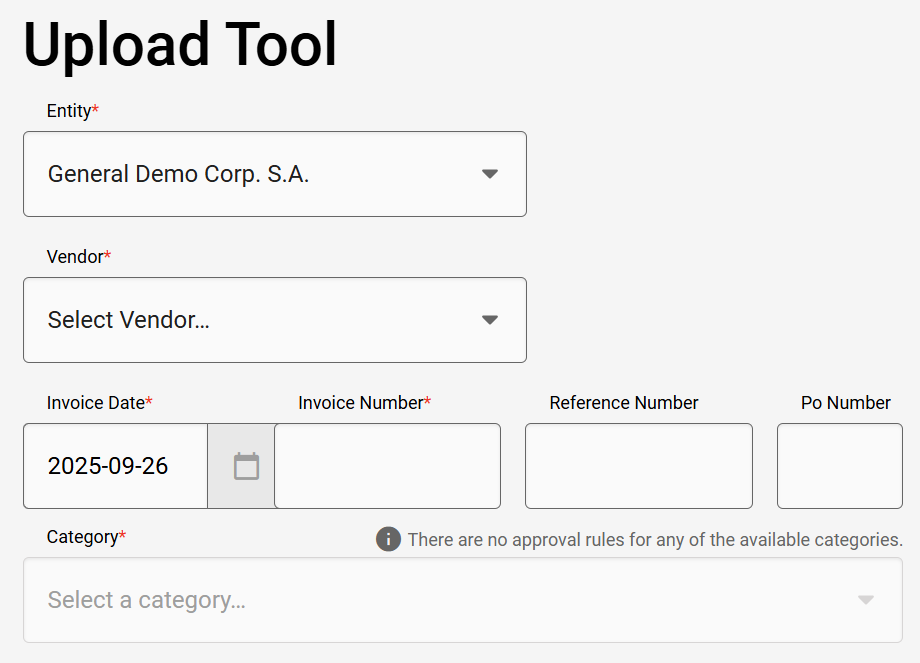
Upload dialog for an entity without approval rules.
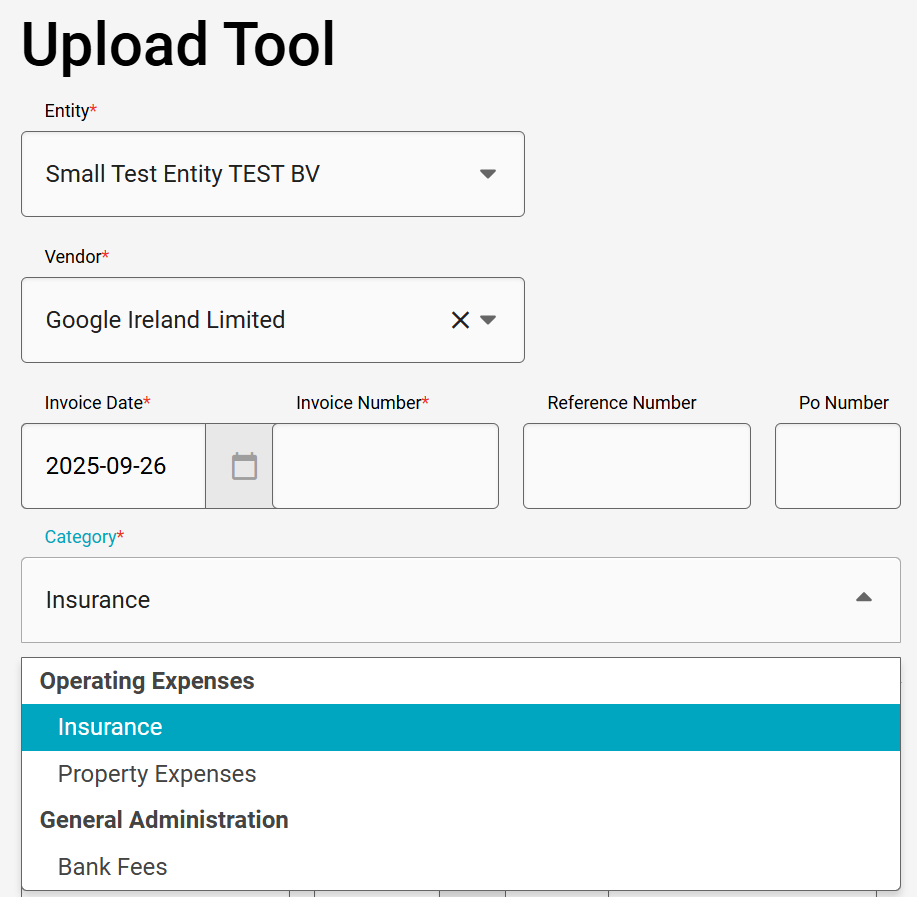
Upload dialog for an entity with approval rules and select option.